

An app for planning and organizing
You think. The plan remembers.
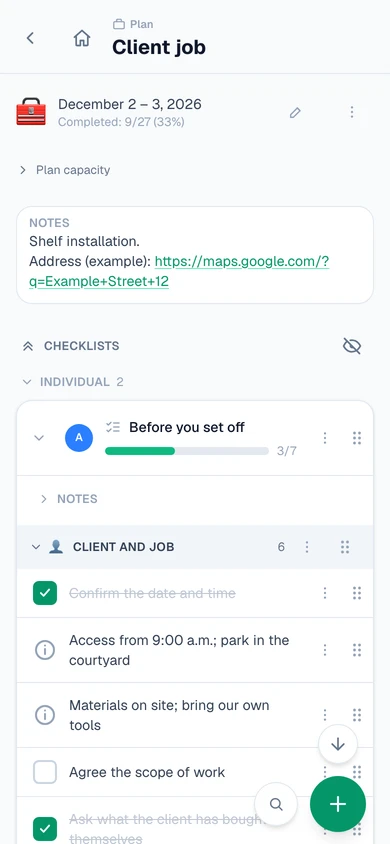
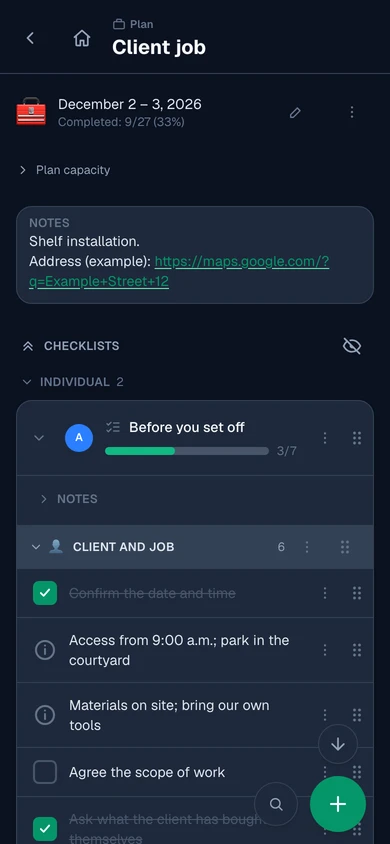
Things to prepare, actions to take, things to take care of and useful information — in one plan, instead of scattered across notes, messages and emails.
Ready-made templates
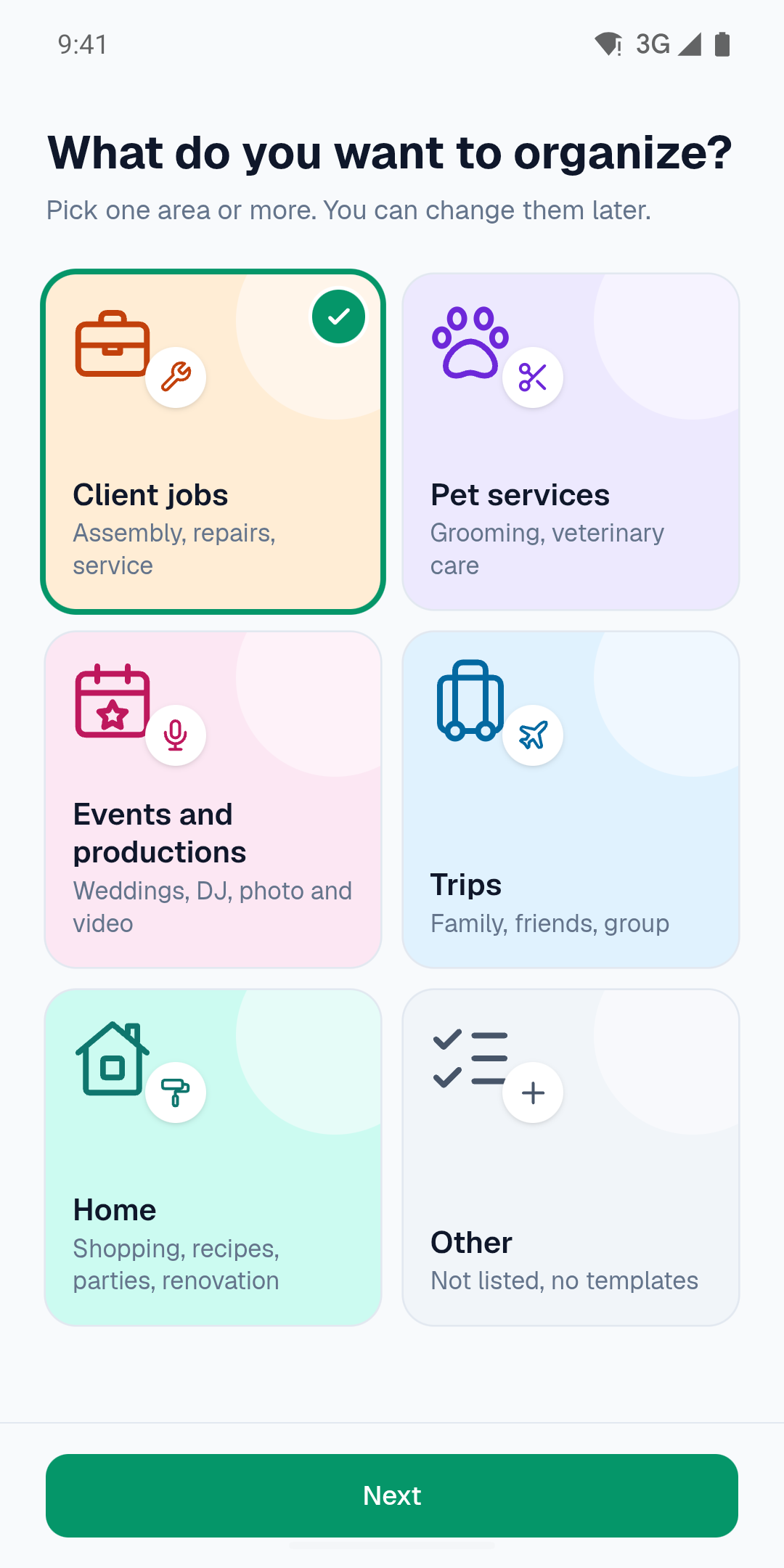
Pick a template for work, a trip or home and make it your own.
Sync across devices
When you sign in, your plans are in the cloud and on all your devices.
Works offline
Create and use plans offline in the mobile app.
What would you like to organize?
A client job, a trip or things at home — whatever you’re organizing gets its own plan.
Usually: a list in your phone’s notes, arrangements in messages, the address in an email — you search several places before you leave.
With Pakaya: everything in one plan, at hand before you leave and on site.
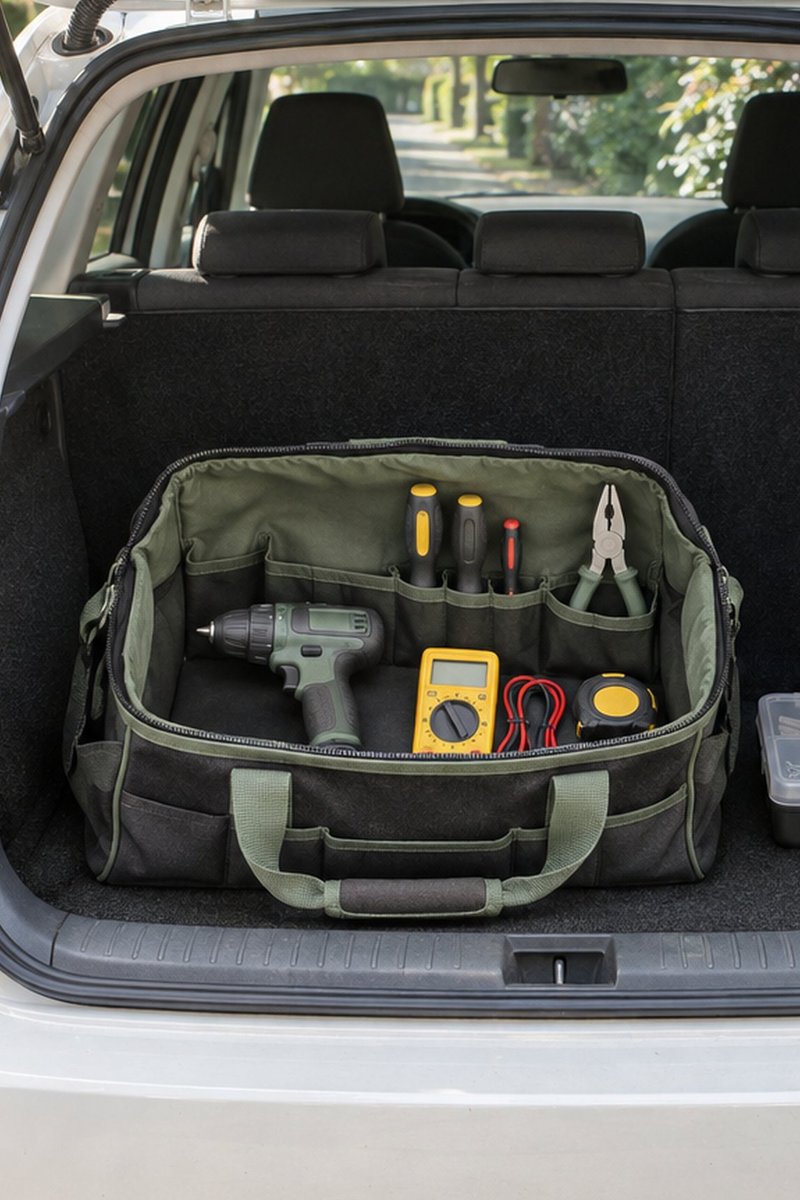


Client jobs, services and events
Before the job, check your tools, equipment and materials. On site, keep the next steps and client arrangements at hand.
See an example plan
Trips
Personal packing lists, shared gear and travel details in one plan.
See an example plan
Home and everyday life
Shopping, recipes, home projects and things you want off your mind.
See an example planPhotos in this section are illustrative and AI-generated. Screens are from the Pakaya app.
One plan.
Everything at hand.
 (opens a new tab)
 (opens a new tab)


Use the arrows to see more plans.Swipe to see more plans.
Get ready to leave, diagnose the issue on site, and keep client arrangements in one service plan.
Prepare
Pack the meter, headlamp, and spare filter before you leave.
Do
On site, check the air handler alarms, filter, and fan status.
Keep at hand
Keep the appointment time and address handy, along with who has the air handler key.
You don’t have to plan everything from scratch.
Choose a ready-made template or prepare your own plan to use again for a similar occasion.
Example templates available in Pakaya
15 selected examples from the app’s template library.
Client jobs3 examples
Kitchen fitting
Shopping before the job, tools, fitting and a “take back with you” list.
5 checklists, 41 items
Coffee machine service at the client's
Diagnosis, replacement parts, descaling and a brew test.
4 checklists, 33 items
Air conditioner installation
Units, pipes and wall sleeves, leak test, commissioning.
5 checklists, 48 items
Pet services3 examples
Grooming visit
Preparation, kit, services and the way back — for one visit.
5 checklists, 31 items
A day with several visits
Kit in the morning, a short list each time you leave a client, tidying up in the evening.
3 checklists, 36 items
Veterinary home visit
Before you set off, kit, the visit and back home — logistics and equipment for a home visit.
4 checklists, 34 items
Events and productions3 examples
Wedding planning
Ceremony, venue and decorations, suppliers, the day itself, wrap-up.
5 checklists, 41 items
DJ gig
Gear and spares (power supplies, headphones, cables), before leaving home, before leaving the venue.
4 checklists, 35 items
Shoot or reportage
Gear, cards and batteries, the plan for the day, back home: backups.
4 checklists, 32 items
Trips3 examples
Mountains — multi-day
Nights in a tent or mountain hut, 50-65L backpack.
3 checklists, 55 items
Seaside vacation
A light list for a family seaside trip.
2 checklists, 18 items
Ski trip
Ski gear, thermal clothing and documents.
2 checklists, 10 items
Home3 examples
Household shopping
Groceries and household essentials, grouped by aisle. Adjust quantities and reuse.
2 checklists, 25 items
Recipes
Ingredients and steps to check off as you cook
4 checklists, 62 items
Moving house
From giving notice to changing your address
4 checklists, 37 items
Questions before you sign up
Is testing already under way?
Yes. The app is available to testers via TestFlight on iPhone and Google Play testing on Android. After you sign up, we’ll email you an invitation.
Is it free to take part?
Yes. Pakaya is free right now. Limits on plans and items are described in the Terms, section 2 “Free tier”.
Will Pakaya be paid?
A free version with limits on plans and items will stay after launch. We’ll announce the price of the full version before launch.
Do I need an account?
You don’t have to — the mobile app works without an account, even offline. We do recommend one, though. Without an account, your plans are stored only on that device: losing your phone, uninstalling the app or clearing its data can mean losing your plans. With an account, your plans are saved in the cloud and synced across your devices. You also need an account for the browser version and to buy the planned paid tier. You can create one at any time in the “Account” section of the app menu. If you work without an account, export your plans regularly and keep copies off the device.
Is the app safe?
Yes. We protect your data, including the content of your plans, against unauthorized access. On your phone, your data is protected by the device’s built-in security features. During sync, we send data over an encrypted connection. In the cloud, account and database safeguards protect it from access by other users. We regularly update the app and the libraries it uses, including security fixes. We don’t sell your data. Our Privacy Policy explains what data we collect, why, and how to delete it.
Can I share a plan with someone?
Not yet. Plan sharing is on our roadmap and will arrive in an upcoming version.
Who makes Pakaya?
Pakaya is made by Damian Bado, who has more than 25 years of experience building software and has led engineering teams for well over a decade, most recently at Snowflake and Sumo Logic. He has worked on distributed cloud data platforms processing over a petabyte of data a day and on mobile apps with millions of active users. Questions or feedback? Write to contact@pakaya.app.
Testing now
Try it. Tell us what you think.
Pakaya is already available to testers on Android and iPhone. Organize your own plans and tell us what works and what to change.
Testing on iPhone requires Apple’s TestFlight app, which you can download now. We’ll email you an invitation to test Pakaya and installation instructions.
Use the Google Account email address you use on this phone.
It doesn’t have to be an iCloud address.
Tests are for people aged 18 or older. We’ll use the information in your email to handle your signup and contact you about the tests. See our privacy policy for details.
You’ll send the signup from your own email app. When the message opens, click “Send”.
Email app didn’t open? Write to tests@pakaya.app.
What happens next?
We’ll email you an invitation to TestFlight (iPhone) or Google Play testing (Android), along with installation instructions. This usually takes a few hours, and you’ll receive the email by the end of the next business day. Check your spam folder too.